Hi, there! When that error message comes up, it usually means that either the directory stored in path_data is misspecified or the contents of that directory aren’t what nc_read expects. Is there any chance you could show us what path_data returns in the console and/or a screenshot of the directory and its contents?
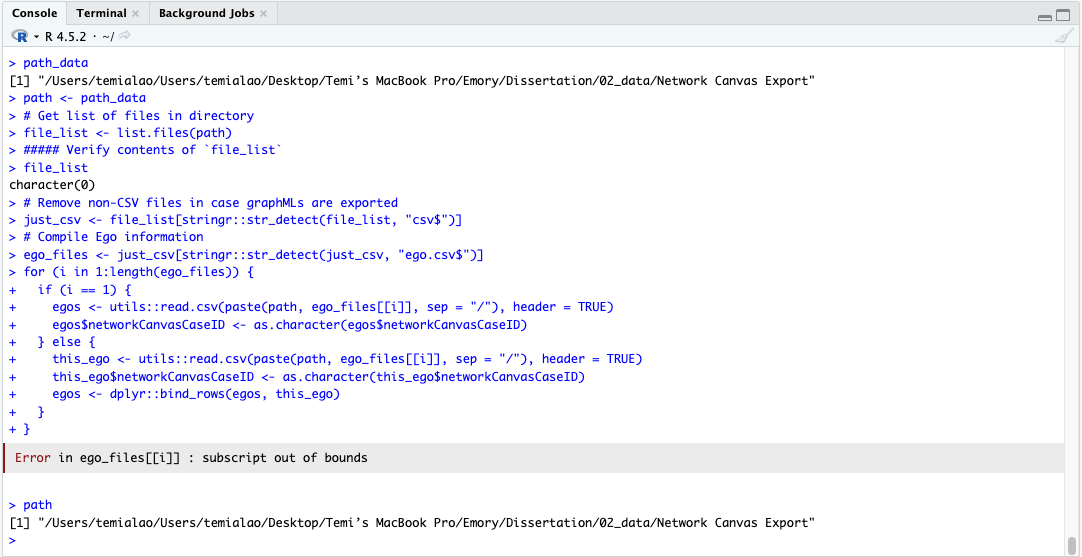
This is what path_data returns: [1] “/Users/temialao/Users/temialao/Desktop/Temi’s MacBook Pro/Academia/Emory/Dissertation/02_data/Network Canvas Export”
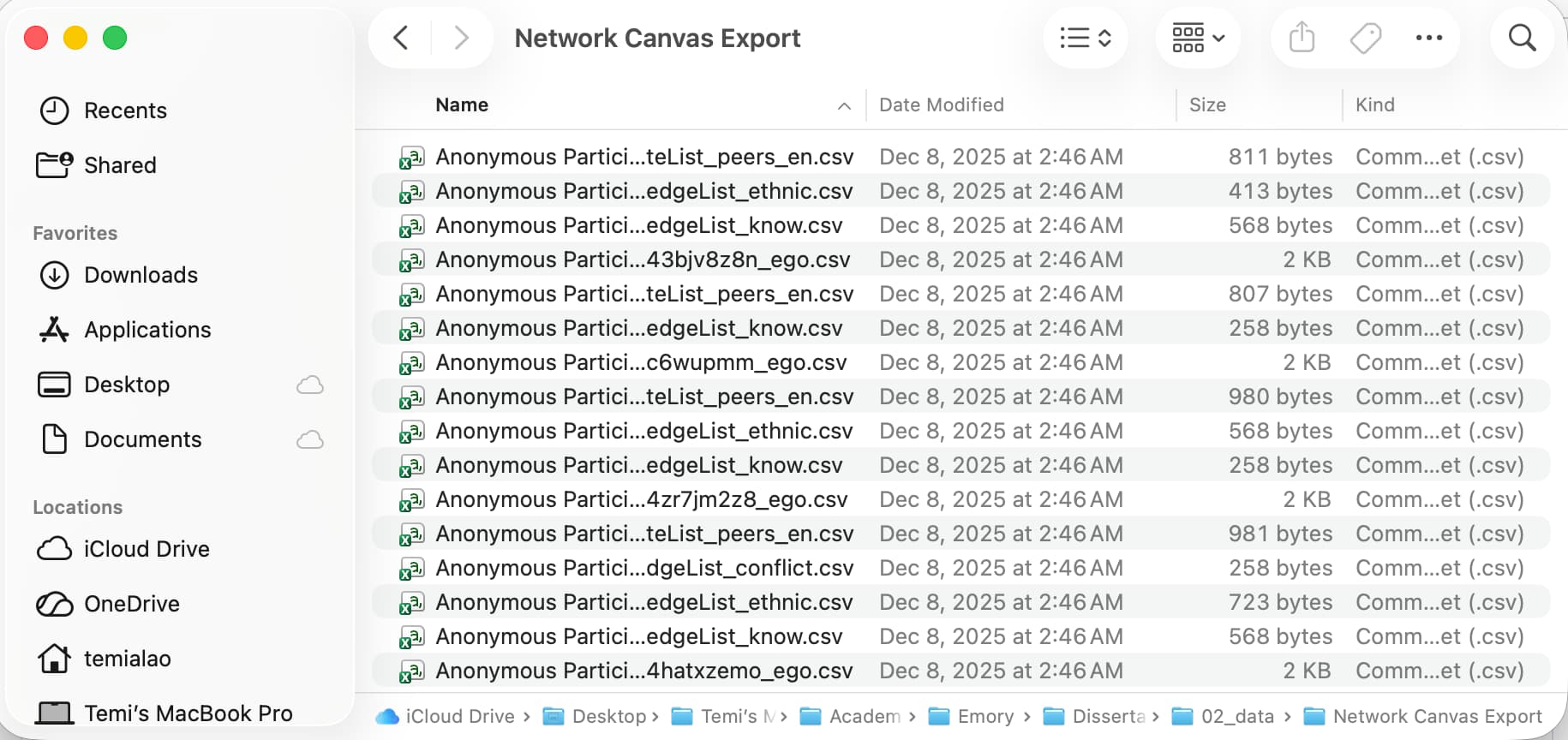
I’ve attached a screenshot of its contents as well. I double-checked the directory, and it’s the correct path for the data export.
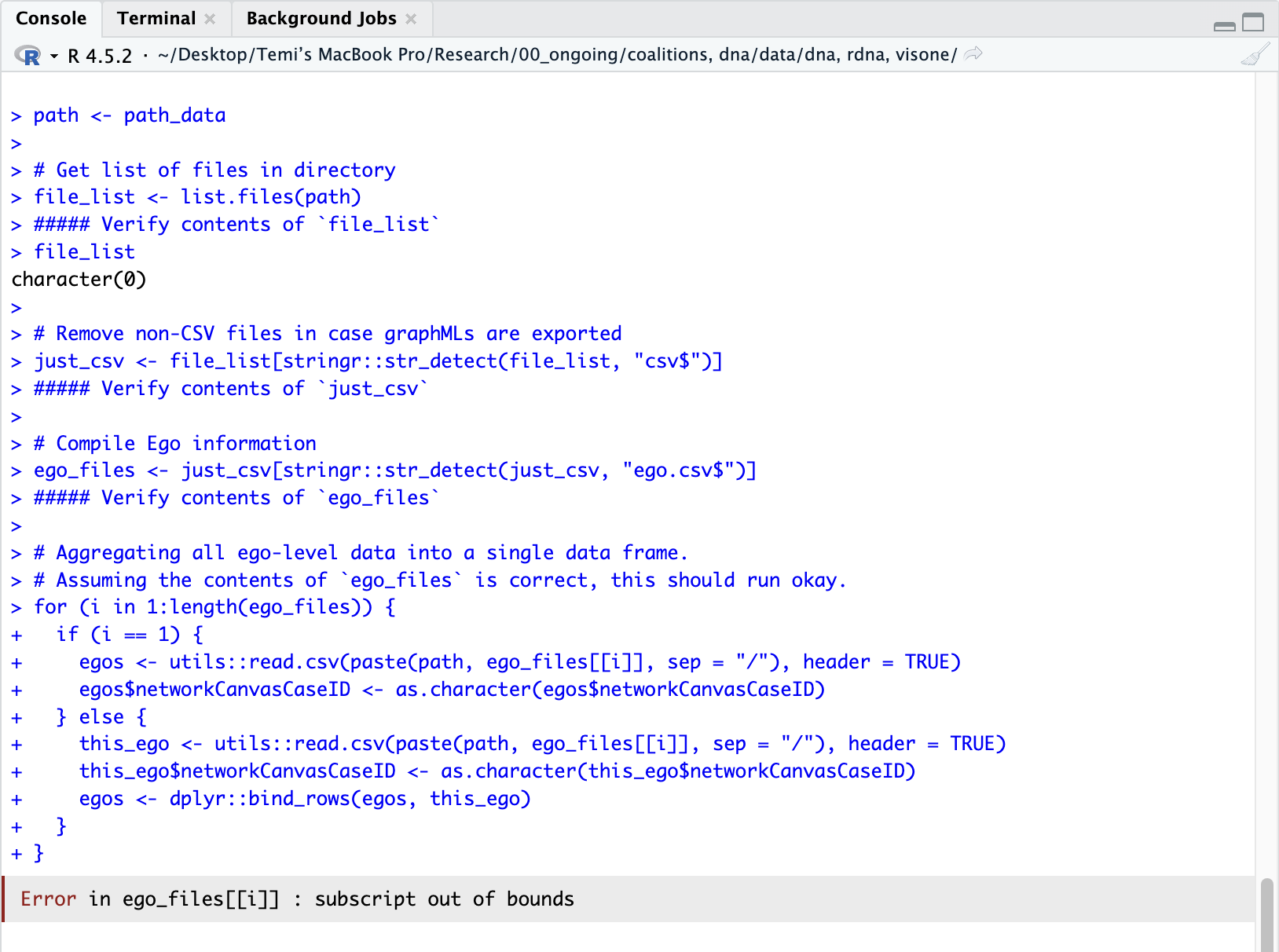
Here’s the bit of underlying code in nc_read that’s causing the crash, slightly modified to inspect the objects being created. When you have a chance, could you run this code and let me know the contents of the the different *_files objects? That’ll help us figure out what’s going on here:
path <- path_data

# Get list of files in directory
file_list <- list.files(path)
##### Verify contents of `file_list`
file_list

# Remove non-CSV files in case graphMLs are exported
just_csv <- file_list[stringr::str_detect(file_list, "csv$")]
##### Verify contents of `just_csv`

# Compile Ego information
ego_files <- just_csv[stringr::str_detect(just_csv, "ego.csv$")]
##### Verify contents of `ego_files`

# Aggregating all ego-level data into a single data frame.
# Assuming the contents of `ego_files` is correct, this should run okay.
for (i in 1:length(ego_files)) {
  if (i == 1) {
    egos <- utils::read.csv(paste(path, ego_files[[i]], sep = "/"), header = TRUE)
    egos$networkCanvasCaseID <- as.character(egos$networkCanvasCaseID)
  } else {
    this_ego <- utils::read.csv(paste(path, ego_files[[i]], sep = "/"), header = TRUE)
    this_ego$networkCanvasCaseID <- as.character(this_ego$networkCanvasCaseID)
    egos <- dplyr::bind_rows(egos, this_ego)
  }
}
Right away you can see that file_list is an empty character object, meaning that something is going wrong in list.files(path) above. Can you view the path object in your console and report back on what it gives you?
Eyeballing this, I think the issue is that the path set to path_data shows /Users/temialao/Users/temialao/, with the beginning of the path appearing twice. Chances are, if you remove this redundancy things should start working better.
Thank you! Rookie mistake. I’m encountering another error when I try to split the alter list stored in nc_data into separate data frames. Here is my code:
Error message: “Error in recycle_columns():
! Tibble columns must have compatible sizes.
• Size 0: Column networkCanvasEgoUUID.
• Size 3: Column peers_en.
• Size 4: Column peers_fr. Only values of size one are recycled.”
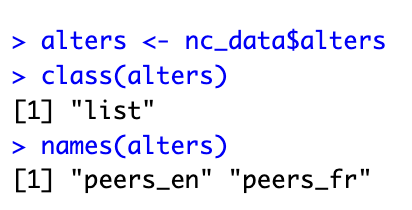
Notice that alters and/or nc_data$alters is also a list containing two elements: peers_en and peers_fr. Try storing those two elements as their own objects and determine whether or not they’re data frames. If they are, then you can try filtering on different relation types as you initially attempted:
peers_en <- nc_data$alters$peers_en
peers_fr <- nc_data$alters$peers_fr

# Check if these objects are data frames
class(peers_en) == "data.frame"
class(peers_fr) == "data.frame"

# If both of the above are TRUE, check if these data frames have columns with the names you want to filter on
names(peers_en)
names(peers_fr)
 Only values of size one are recycled.”